

NetSentry

Desktop Network Control

Windows 10/11x64

Real-time network monitoring and traffic control for Windows.

  • No telemetry or account requirement
  • Offline GeoIP lookup database
  • Kernel-level blocking with firewall backup
Platform Windows
Architecture x64
Framework .NET 8, WPF
Install size ~50 MB
Price Free
Legal Privacy · Terms

What it does

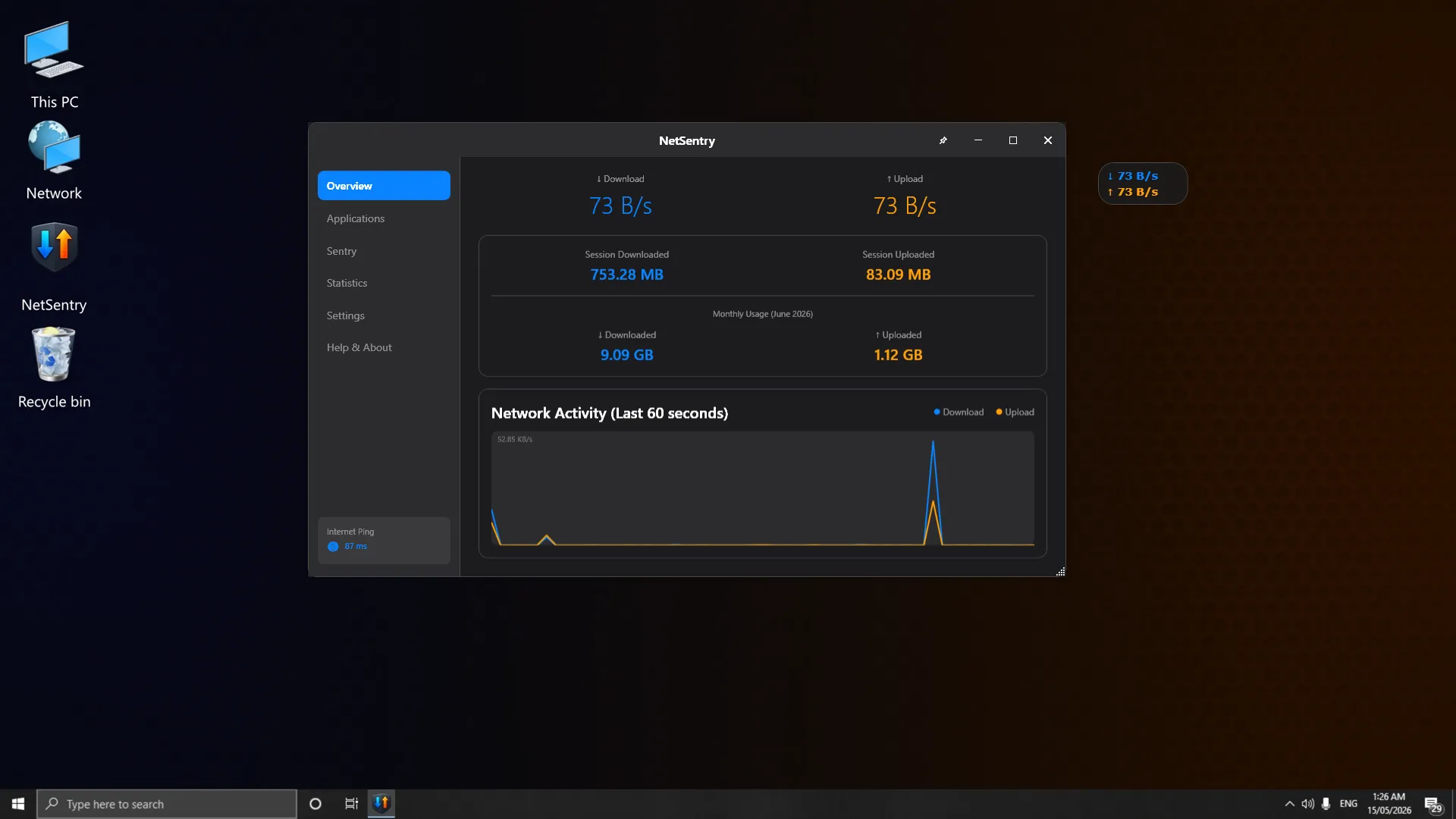
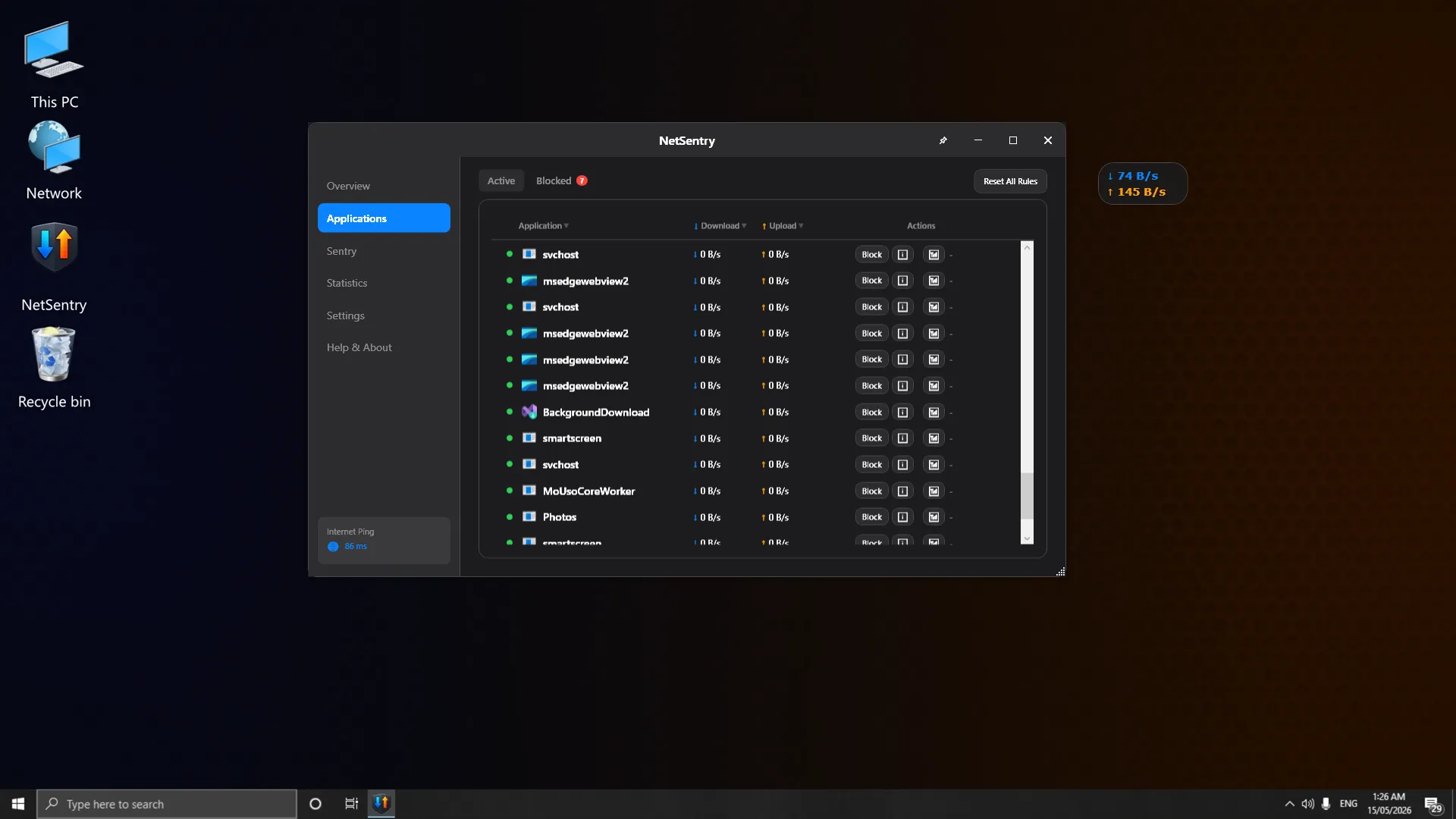
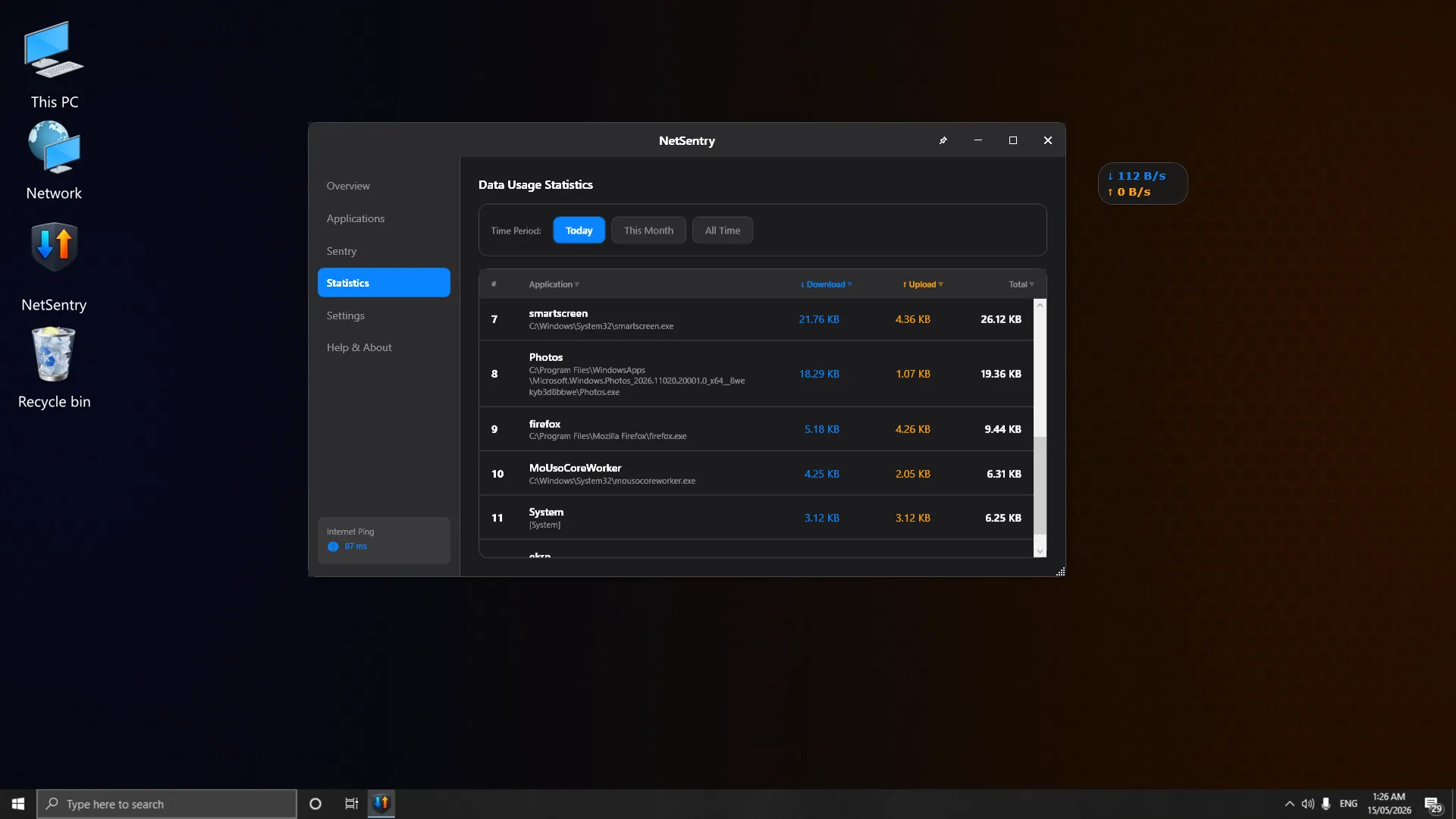
  • Monitor real-time upload and download speeds for every application on your system
  • Block any application's network access instantly with kernel-level enforcement
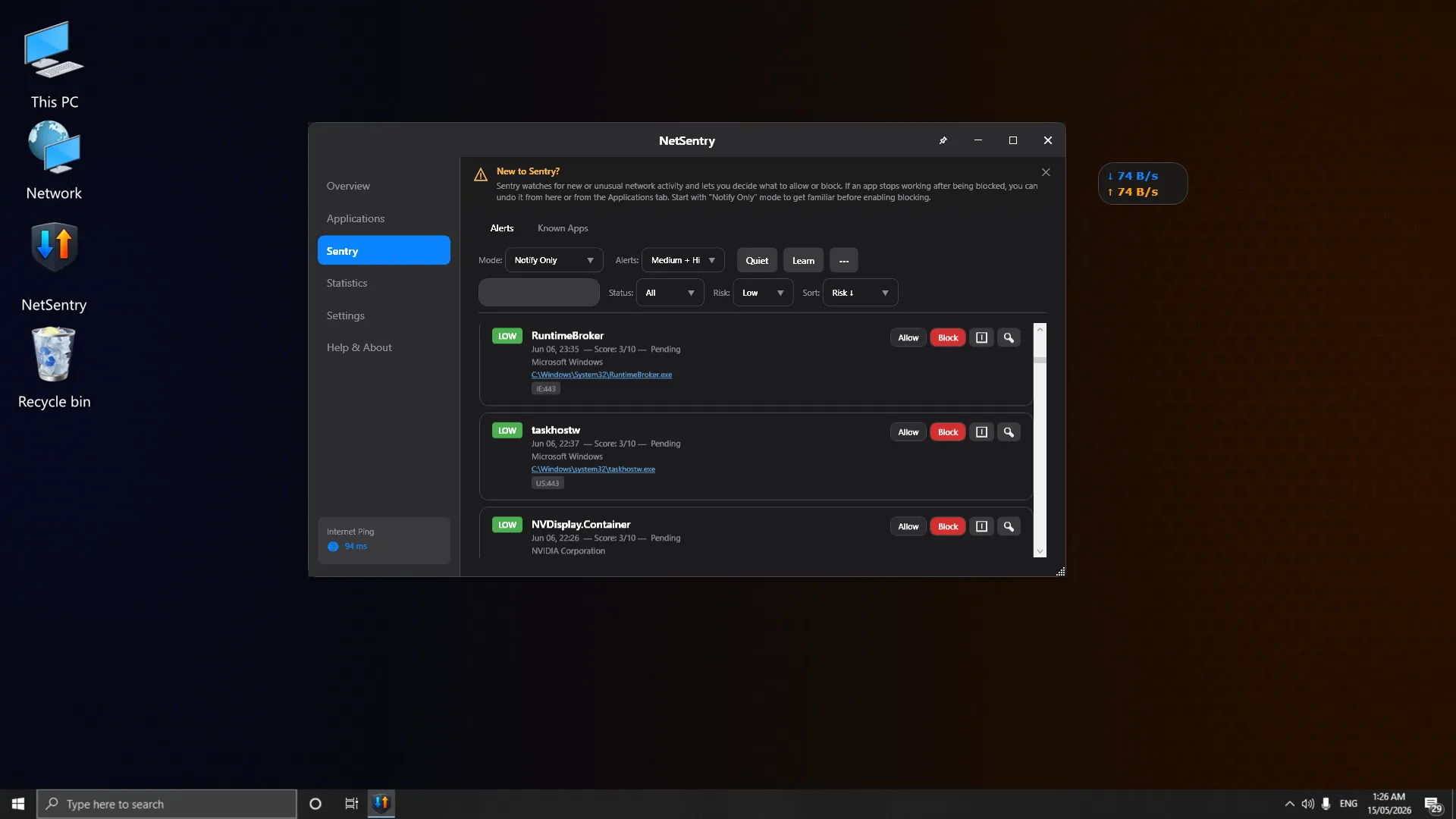
  • Detect and assess new network connections with intelligent risk scoring
Zero telemetry — NetSentry never phones home. No account or registration required. No cloud dependencies — all analysis runs locally. No ads, no tracking, no data collection. GeoIP lookups use a bundled database, not an external service. Diagnostic logs are stored locally and auto-deleted after 7 days.
Platform: Windows 10 (1809+) / Windows 11. Architecture: 64-bit (x64). Framework: .NET 8, WPF. Privileges: Administrator (required for ETW and WFP). Blocking Engine: Windows Filtering Platform + Windows Firewall. Traffic Capture: Event Tracing for Windows (ETW). GeoIP: MaxMind GeoLite2 (bundled, offline). Install Size: ~50 MB.
NetSentry uses Event Tracing for Windows (ETW) to capture per-process traffic data updated every second. Blocking uses a dual-strategy approach: WFP filters block traffic at the kernel level, while Windows Firewall rules provide a persistent secondary layer. Both are applied simultaneously and existing connections are terminated when a block is applied.

Per-App Monitoring

Real-time upload and download speeds for every process via ETW kernel tracing.

One-Click Blocking

Kernel-level WFP packet filtering with Windows Firewall backup.

Sentry Mode

Auto-detect and risk-score new network connections in real time.

Offline GeoIP

Bundled MaxMind database — see connection countries without external calls.

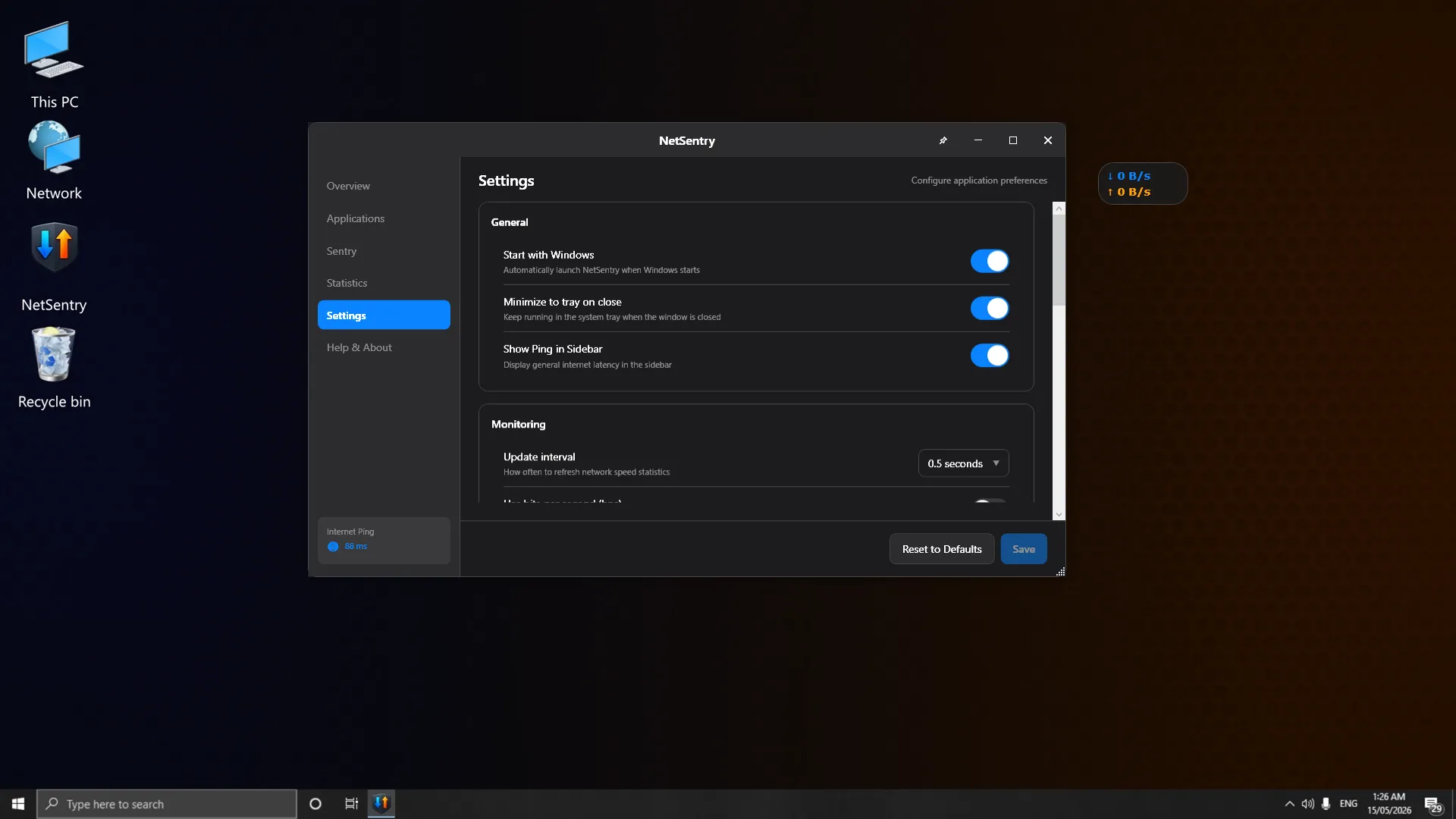
Desktop Widget

Floating always-on-top mini window with real-time network speeds.

Changelog

Sentry Mode & Trust Assessment

Introducing Sentry Mode — an intelligent network watchdog that monitors for new connections and evaluates risk based on digital signatures, connection destinations, and port usage patterns. Applications now receive trust levels: Verified, Recognized, Unknown, or Suspicious.

View full changelog →